
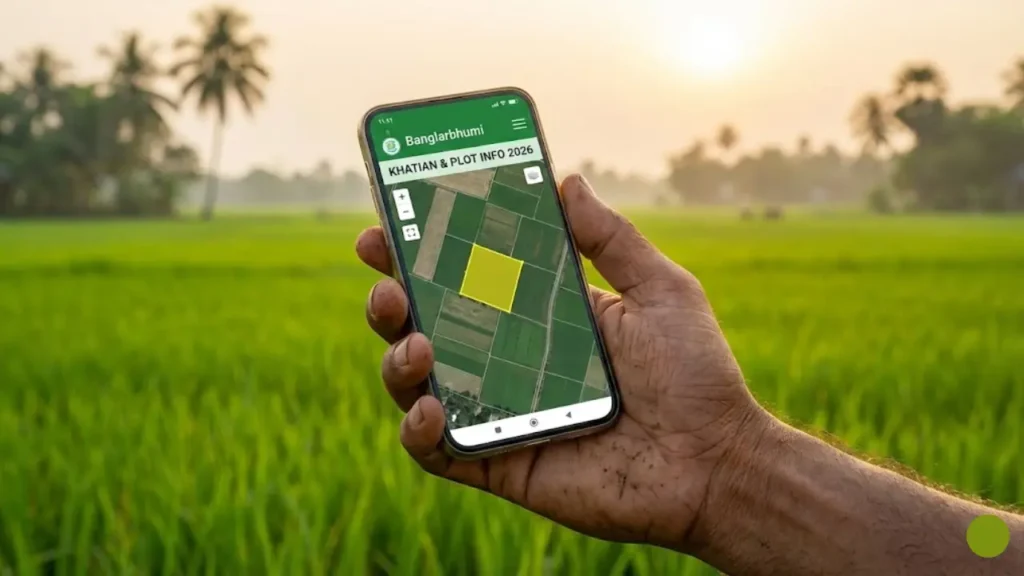
Are you looking for your land records (Dalil, Porcha, or Khatian) in West Bengal? Gone are the days when you had to visit the BLRO office and stand in long queues. With the Banglarbhumi 2026 portal, the West Bengal government has digitized all land records.
Whether you want to check Khatian & Plot Information or convert RS to LR records, you can do it all from your smartphone. This portal (banglarbhumi.gov.in) is managed by the Land & Land Reforms Department.
In this comprehensive guide, we will show you how to check West Bengal Land Records Online, download Mouza Maps, and check Mutation status easily.
🚀 Banglarbhumi 2026: Key Highlights
- 📛 Portal Name: Banglarbhumi (Jomir Tothya)
- 🏢 Department: Land & Land Reforms (L&LR)
- 📄 Services: Khatian/Plot Info, Mutation, Plot Map
- 📱 Mobile App: Jomir Tothya
- 🌐 Official Website: banglarbhumi.gov.in
Step 1: Banglarbhumi Sign Up (Create Account)
Before checking your property details, follow these steps to register on the portal:
Once registered, you are ready to check your land records online. Make sure you have your Khatian Number or Dag Number handy.
Step 2: How to Check Khatian & Plot Information Online?
Once you have logged in, follow these steps to check your land details (Porcha/Information) using the “Know Your Property” feature:
- Search by Khatian: If you want to see total land under a person’s name.
- Search by Plot: If you want to see the owner of a specific piece of land (Dag No).
🔄 How to Check RS to LR Information? (Convert Plot No)
Many times, your deed (Dalil) mentions the old RS (Revisional Settlement) plot number, but the online portal shows the new LR (Land Reforms) number. Here is how to convert/match them:
- RS to LR: Enter old Dag Number to get the new one.
- LR to RS: Enter new Dag Number to find the old history.
📖 Important Terms to Know
🔹 Khatian Number (ROR):It is the “Rights of Record”. It shows the list of all plots owned by a single owner (Riyat) in a specific Mouza.
🔹 Dag Number (Plot):It is the specific identification number assigned to a piece of land on the map.
How to Check Mutation Status in West Bengal?
If you have recently purchased land and applied for mutation (Naam Pattan), you can track the status online without visiting the BLRO office.
- Case Wise Search: If you have the Mutation Case Number.
- Deed Wise Search: Using your Deed (Dalil) Number and Year.
📱 Jomir Tothya App: Land Records on Mobile
The Government of West Bengal has launched the official “Jomir Tothya” app for easier access. It supports Bengali, English, and Hindi languages.
Download Official App
Get Khatian/Plot Info, Mutation Status, and Fee Details directly on your phone.
Download from Play Store ⬇Frequently Asked Questions (FAQs)
How can I find my Khatian Number in West Bengal?
Can I check land records without login?
What is RS and LR in West Bengal land records?
Is the Banglarbhumi service free of cost?
Need Help with Land Records?
We hope this guide helped you check your Banglarbhumi Land Records 2026. If you are facing issues with “Record Not Found”, please visit your local BLRO office.
Join our WhatsApp Group for the latest WB Govt Scheme Updates.
Join WhatsApp Group 🚀
Hi, I am Ashish Goswami, the Lead Editor at Saldiha College Info. I am an education enthusiast and content creator passionate about helping West Bengal students with the latest updates on Scholarships, University Results, and Exam Routines. My goal is to simplify official notices for everyone.
Pingback: West Bengal Death Certificate Online 2026: Apply, Download & Status Check - Saldiha College Info